
Skip to content
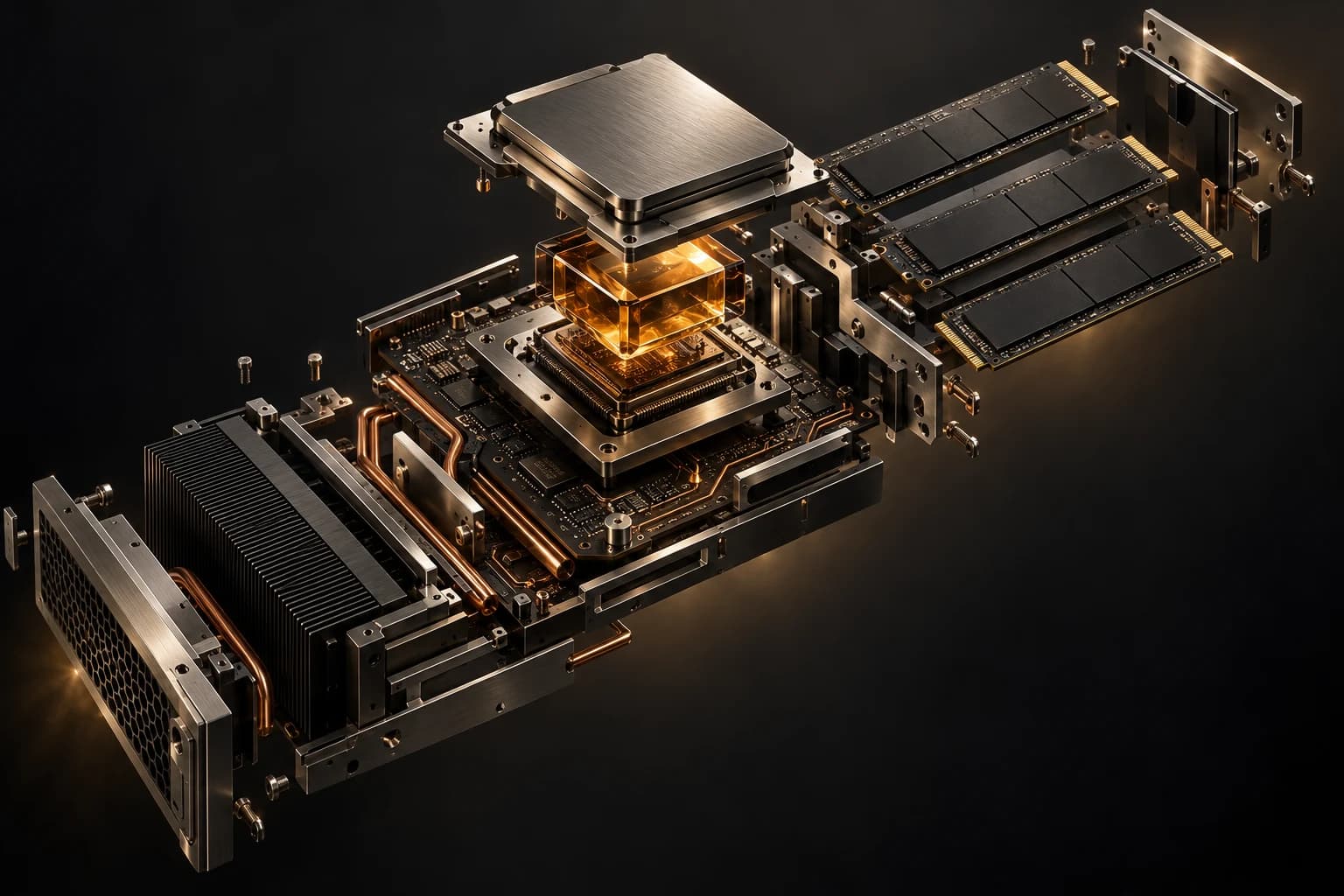
LPH conceptual brand scene

Virtual servers / LPH

Your control.
Our foundation.

Full root access, dedicated resources, your own IP address. Provisioned automatically from the panel.

01KVM / Proxmox02Resources for your projectScroll to explore↓

LPH / COMPUTE

More than a plan.
Your configuration.

Start with your resources.

USD · excl. VAT
VDS

VDS Professional

Selected plan
  • 4 vCPU
  • 8 GB RAM
  • 60 GB NVMe
5 TB trafficIntel Xeon Platinum 8176Full Root Access

2026 paketi · vCPU, NVMe depolama ve Proxmox/KVM sanallaştırma.

Contact
Contact
Buy now
Buy now
Buy now

Add resources to your server

Explore the options you can add to your existing server.

  • Additional IPv4 address

    An additional public IPv4 address for your server, activated after a restart.

03 / YOUR OPERATING SYSTEM

Start with what
you know.

Windows / INSTALL TEMPLATE

Windows↗

Choose from prepared templates. Final availability is checked against your selected plan’s resources during configuration.

Choose your planChoose your operating system during server configuration.

LPH / COMPUTE

Make it your own.

Build your own environment, from application to data.

YOUR STACK. YOUR RULES.
01

Your application

Run Node, Python, PHP or Go with your own configuration.

Node.js

Set up JavaScript services in your own VDS environment.

Python

Configure a Python environment for your applications and automation.

PHP

Manage your application’s PHP version and services on your VDS.

Go

Run compiled Go services on your own server.

02

Your data

Choose memory and storage for PostgreSQL or MySQL.

PostgreSQL

Install your database and select a plan for its memory and storage needs.

MySQL

Manage database installation and maintenance in your VDS environment.

03

Your workspace

Control your Docker environments, test services and team projects.

Docker

Configure your own containers, ports and networking.

Türkiye / İstanbul10 Gbps Port

GOOD TO KNOW

About VDS

A few answers before you make your choice.

What if I lose my root password?

The panel offers a password reset and VNC console access. From the console you can boot to single-user mode and change it.

How many IP addresses do I get?

Each server comes with one IPv4 address. Extra IPs can be ordered from the panel; they are allocated from the pool and configured on the server automatically.

Can I change the operating system later?

Yes, you can reinstall from the panel. A reinstall wipes the disk, so back up your data first.

Is there a traffic limit?

The monthly traffic printed on the plan card applies. Plans marked unlimited are subject to fair use.

Can I install Windows?

Yes, but Windows templates are only offered on plans that meet the minimum resource requirement. If a plan does not qualify, the template is simply not listed in the order form.

Ready to start?

Pick a plan, create your account, let provisioning run itself.