
Minecraft 4
Java / PaperResources for your Paper world are listed below.
- Memory
- 4 GiB RAM
- Storage
- 30 GiB
- CPU limit
- 200%
- Backup allowance
- 2
- Game panel + plugin catalogue
- Files, SFTP & team controls
- Backup & scheduling tools
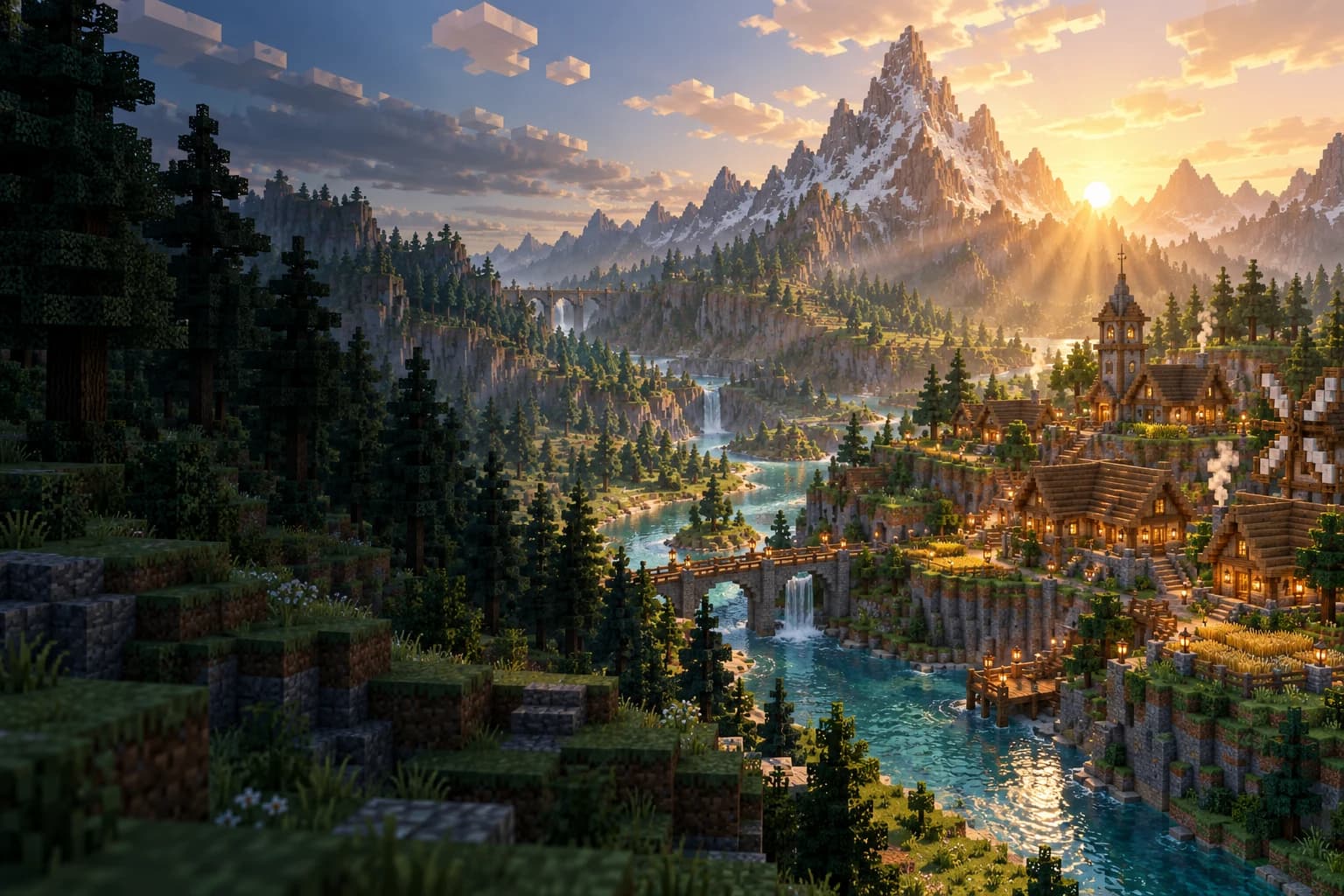
MINECRAFT JAVA EDITION
Build your world and invite your friends. Access addons, backups, the live console and team permissions with your LPH account.
01 / PLANS & PRICING
Choose resources for your world. Every option includes the live console, file management and game panel access with your LPH account.
Resources for your Paper world are listed below.
Resources for your Paper world are listed below.
Resources for your Paper world are listed below.
Resources for your Paper world are listed below.
Explore Modrinth from your panel, select compatible versions and manage your plugins.
The count covers catalogue projects across all Paper versions, not installed plugins or a server quota. Compatibility and resource use depend on your chosen plugins.
Send commands, start/stop and monitor CPU, memory, storage and network.
Upload and edit files, and bring a compatible world to your server.
Grant individual permissions and review activity on your server.
Create and restore backups. Retained backup count depends on your plan allowance.
Schedule commands, power actions and backups within your allowance.
Update a stopped server with an available backup slot and your confirmation.
PLAN SELECTION GUIDE
Your active world, players and plugins share memory. Leave headroom for your plugins and view distance.
Player count is only part of the picture.Version, world size and plugins all matter; a fixed player count is not guaranteed.
CLEAR PLAN DETAILS
Your selected resources and monthly price.
Any setup fee is shown separately.
Review and confirm the total before payment.
Monthly service and one-time fees are shown separately. When the display currency differs, the billing amount is also shown.
02 / LPH GAME PANEL
A server is more than its memory. Built on Pterodactyl, the LPH game panel brings together tools to develop your world, manage your team and keep an eye on your server.
 Interactive tour · Sample data
Read live output, send commands, start or stop your server. Track CPU, memory, storage and network readings in the same panel.
Your services, support requests and game management share one LPH account.
No separate game panel password needed.PAPER + MODRINTH
Go beyond a default world. Choose your plugins, shape the experience and bring your next idea to life from the game panel.
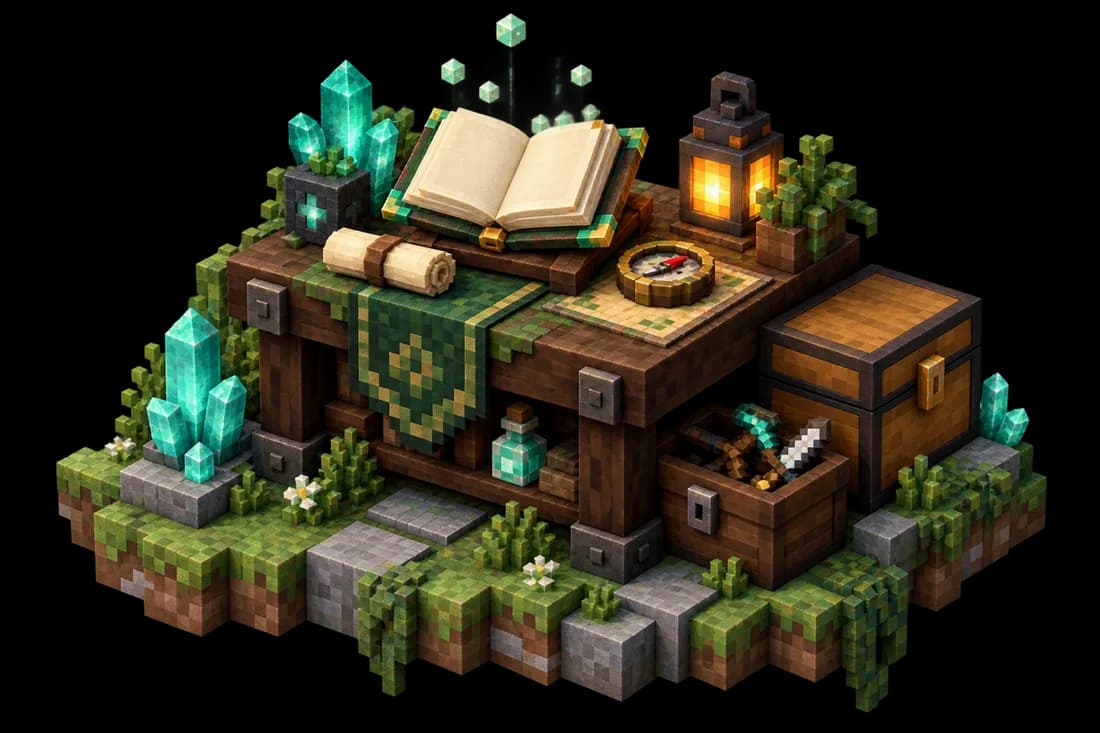 One small addon. A new experience.
Shape your own playground with world editing and building tools. Discover addons in Modrinth that match your Paper version.
The right addon for the right version.Check Paper and game version compatibility before installing. Modpacks and other server types are reviewed separately.
GROW WITH YOUR WORLD
Choose a Paper release from the panel catalogue. The update tool creates a full backup of your existing world and waits for your confirmation before installation.
An available backup slot is required. Updates stay within your server type; check your plugins for compatibility.
BRING WHAT YOU HAVE BUILT
Your first home, the village you built together, the creations that took hours. Transfer a compatible world and pick up where you left off.
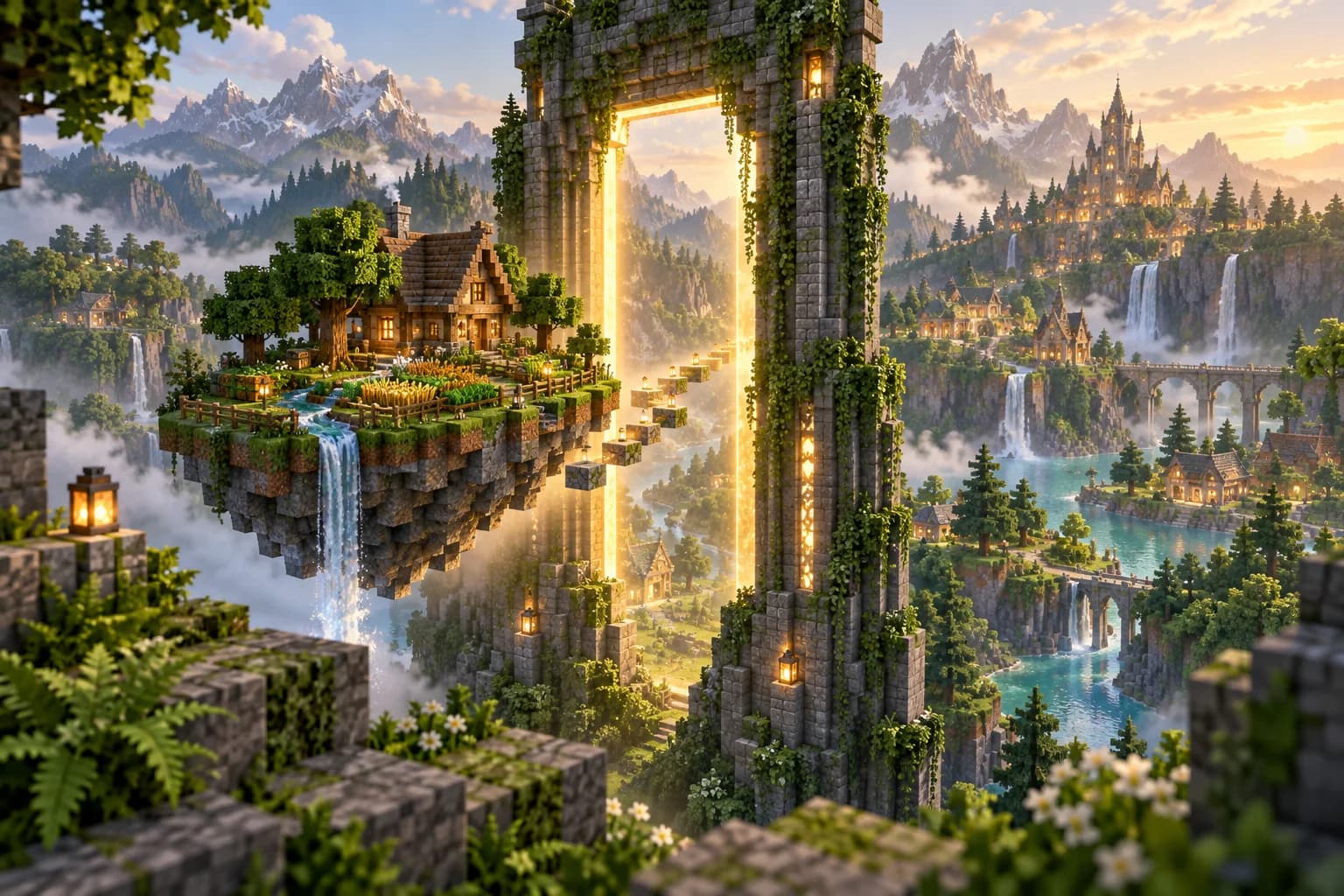 WORLD / TRANSFER
Back up your world first. Stop the server, upload compatible files and adjust world settings. Use SFTP for direct access when transferring large archives.
About migration and compatibilitySee the server response, version and player information returned by the game query. Track resource usage from the same panel.
Link a request to your service. Keep server details and previous conversations in your LPH account, so there’s no need to start from scratch.
Talk to us
MADE FOR PLAYING TOGETHER
From one LPH account to your game panel. Then on to your next adventure with friends.
Choose resources for your game version, plugins and world size. Consider both memory and storage.
Review the resources and total for an available plan. Keep your service, billing and game panel connected to the same account.
Once setup is complete, share your assigned address and port. Manage your files, adjust your settings and start playing together.
Tell us about your world and your needs.
Our initial setup is Minecraft Java Edition with Paper. Bedrock, Forge, Fabric and custom modpacks are reviewed separately and are not automatically included in the standard plan.
The standard setup uses a shared IP and a port assigned to your server. Enter the address and port shown in your panel to join. Your files and server management are separate from other customers.
No. Once your service is assigned, you can access the game panel with your LPH account. You do not need a separate game panel username or password.
MINECRAFT / LPH